最近要做一个java web项目,因为页面不是很多,所以就没有前后端分离,前后端写在一起,这时候就用到thymeleaf了,以下是不动脑式的傻瓜教程。。。。。
一:创建spring boot的web项目,过程略;
二:依赖如下:
<dependency>
<groupId>org.springframework.boot</groupId>
<artifactId>spring–boot–starter–web</artifactId>
</dependency>
<dependency>
<groupId>org.springframework.boot</groupId>
<artifactId>spring–boot–starter–thymeleaf</artifactId>
<version>2.1.2.RELEASE</version>
</dependency>
<dependency>
<groupId>org.springframework.boot</groupId>
<artifactId>spring–boot–starter–test</artifactId>
<scope>test</scope>
<exclusions>
<exclusion>
<groupId>org.junit.vintage</groupId>
<artifactId>junit–vintage–engine</artifactId>
</exclusion>
</exclusions>
</dependency>
三:配置文件:application.properties
#端口号
server.port=8099
# 配置
#thymeleaf
spring.thymeleaf.cache=false
spring.thymeleaf.prefix=classpath:/templates/
spring.thymeleaf.check–template–location=true
spring.thymeleaf.suffix=.html
spring.thymeleaf.encoding=UTF–8
spring.thymeleaf.servlet.content–type=text/html
spring.thymeleaf.mode=HTML
四:项目的templates文件夹下新建页面success.html,如下

五:controller
import org.springframework.stereotype.Controller;
import org.springframework.ui.ModelMap;
import org.springframework.web.bind.annotation.RequestMapping;
/**
* @author liuhongyang
* @2020/10/20 14:35
* 文件说明:
*/
@Controller
public class FirstTestController {
@RequestMapping(value = “hello”)
public String hello(ModelMap modelMap) {
modelMap.put(“hei”, “thymeleaf”);
return “success”;
}
}
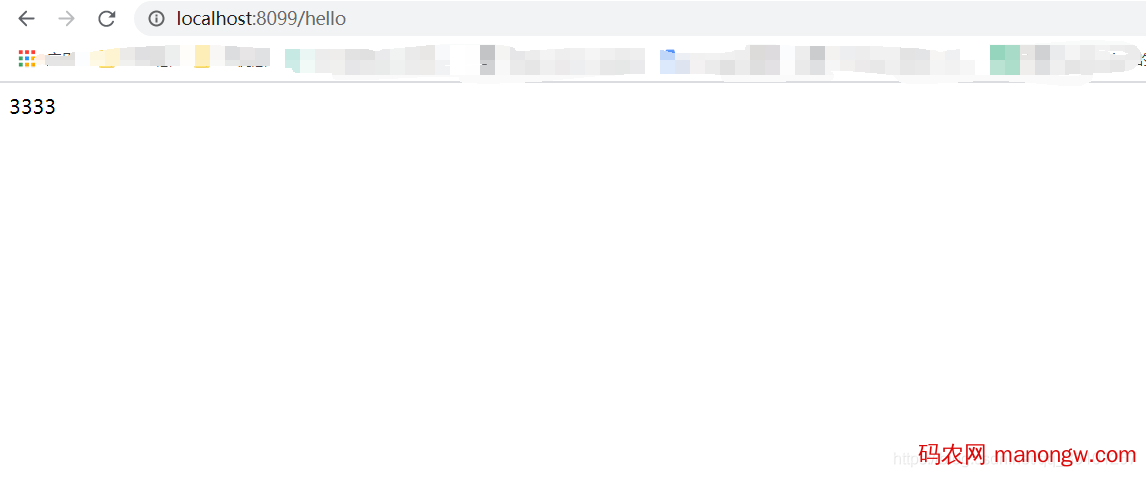
六:访问如下,完成